Who can see what.
Security and privacy settings written so you can explain them to a customer, a lawyer or your team.
Three access levels
Every video has one. You pick it when you share, and an admin can set the default for new videos.
- Anyone with the linkGood for customers and public guides. Add a password, an email gate or an expiry date.
- Your workspaceOnly signed-in members of your workspace can watch.
- Only the people you addNamed people, by email. Nobody else can open it.
Links that close
Public links can expire on a date you choose for one video, or after a limit an admin sets for the whole workspace.
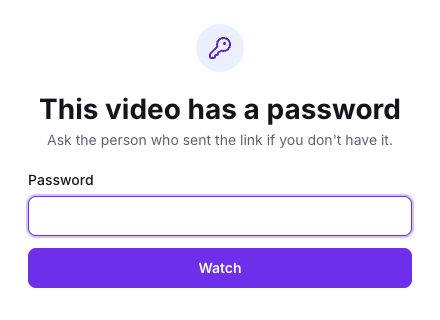
Passwords and email gates sit in front of any public video. An email gate can ask for an email or require one.
Kept on your computer
Background blur runs on your own computer. Nothing is sent anywhere to do it.
In bug reports, URLs are stripped of query strings, and debug details are hidden from viewers unless you turn them on.
Admin switches
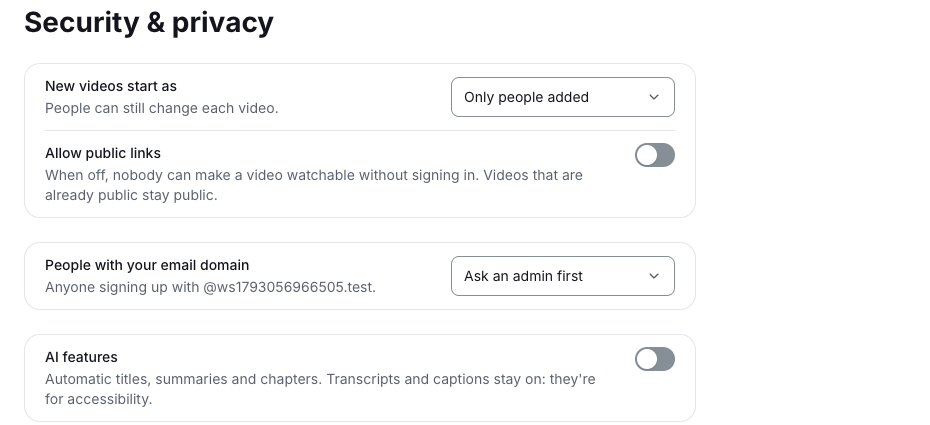
Turn AI features off for the whole workspace. Turn downloads off workspace-wide. Choose who can join by email domain, and whether an admin approves them first.
Retention and the activity log
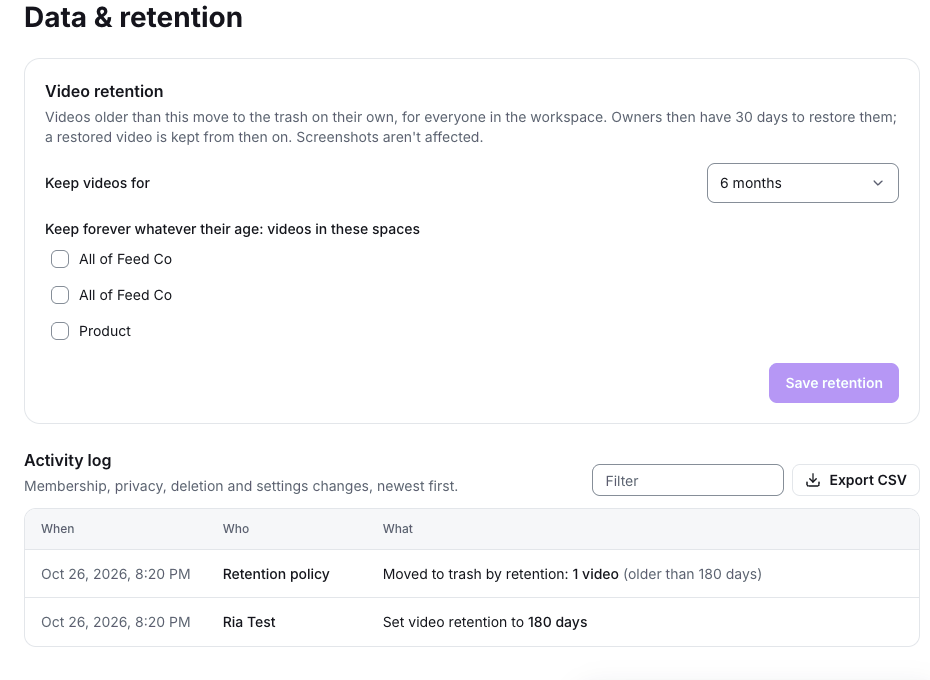
Decide how long videos are kept, and see every change to membership, privacy and settings.
- A retention policy for the workspace, with spaces you can keep forever.
- Deleted videos go to a 30-day trash before they're removed.
- An activity log of membership, privacy, deletion and settings changes, newest first.
- Export the activity log as CSV.
Where your data lives
We'll list the regions where videos are stored and every company that processes data for us here, before VIDsend.pro launches.
Questions about security? Write to [email protected].